









Trackman Sim Builder: Design your dream golf space
Configure your own sim today.
There’s something special about having your own golf simulator in a space that’s fully yours.
A place where the weather never matters, the range is always open, and quality time with friends and family happens naturally … whenever you want. Whether it’s perfecting your swing, hosting weekend hangouts, or giving your kids a place to play, owning a private sim unlocks a whole new level of joy.
And the best part? It all starts with having enough room to swing a club.
From there, the Trackman Sim Builder helps you map out your dream. Your space. Your vision. Your simulator — brought to life right before your eyes.
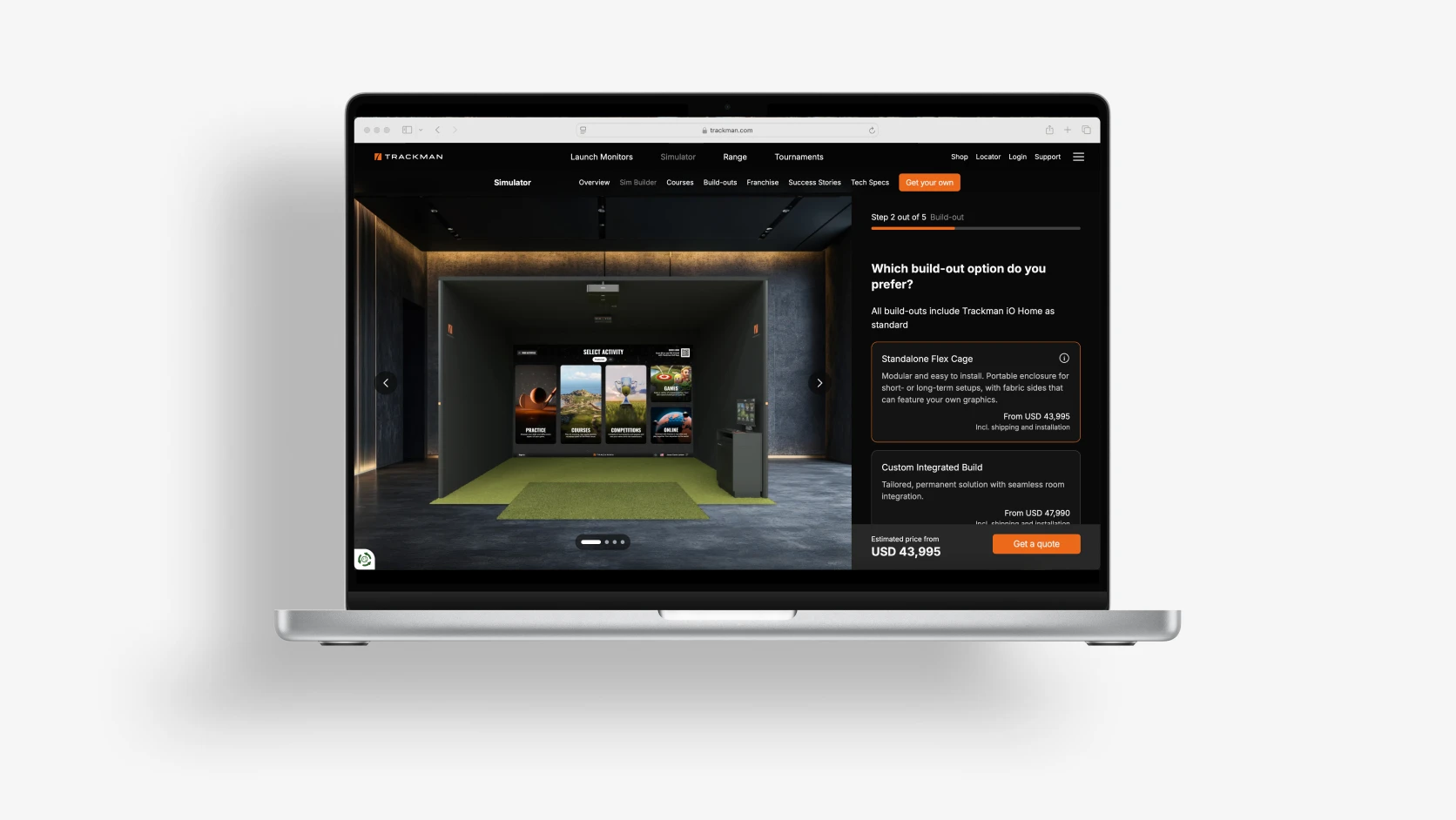
What is the Trackman Sim Builder?
The Trackman Sim Builder is a visual, step-by-step digital tool that lets you design the perfect Trackman simulator setup — right from your phone or desktop. Whether you’re building in your home, studio, or business space, the Sim Builder guides you through every detail so you can see exactly what your finished setup might look like.
It’s simple, intuitive, and built to make your vision become reality.
Try the Sim Builder here
What happens when you bring golf home?
Trackman owners everywhere are transforming their spaces and their relationship with the game. Like Chad Adcock in the USA, who added a Trackman simulator setup to his garage in a bid to keep playing golf and charge his batteries. But he ended up getting far more than he had ever imagined — his home golf space ended up becoming a magnet for family and friends.
“Having a golf simulator and my own space has been phenomenal. I get to step outside and play in the morning or in the afternoon. Whenever I have time to go out there, I get to play. Our friends love coming over here. It's just so much more enjoyable doing an activity together rather than just gathering around the TV. And my kids get to learn new skills and learn about competition.”

Chad Adcock
Home golf simulator owner, USA

To get started chasing down your private sim dream, scroll down for a simple step-by-step Sim Builder guide.
How to get started
Your dream simulator is closer than you think. All it takes is a few simple steps. Check out our five-step guide to configuring your simulator with Sim Builder, and try the Sim Builder today at Trackman.com.
Let’s team up and turn your space into something extraordinary.
Not sure which simulator is right for you? Start with the Trackman golf simulator overview.
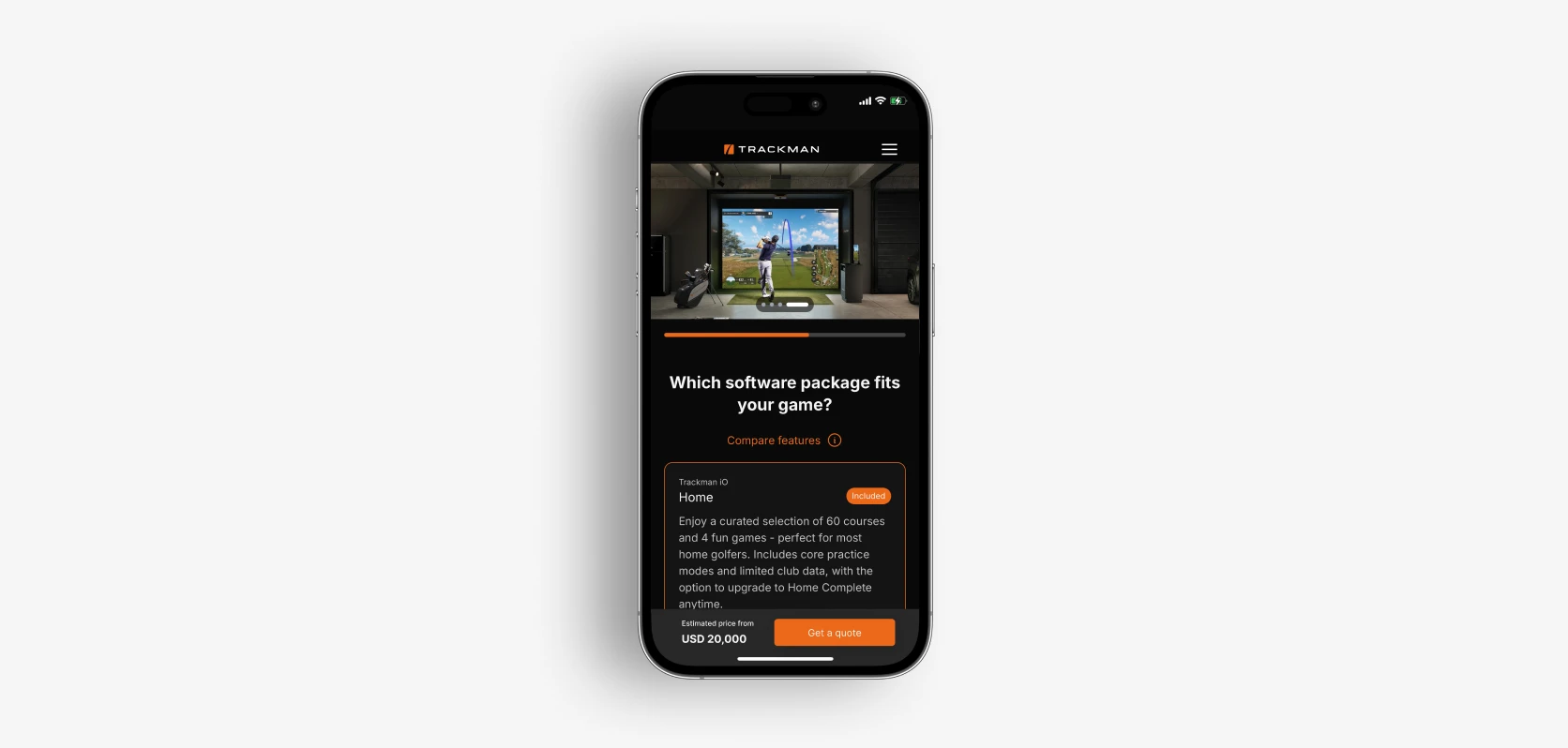
Success Stories: Real people, real setups
We appreciate that getting a private golf simulator setup is a no small decision, so feel free to check out testimonials from existing customers in our Success Stories hub. Scroll down to see a few of them below — Trackman owners everywhere are transforming their spaces and their relationship with the game.
“The convenience of jumping in anytime for 30 minutes to hit balls has been a huge thing for me. It's completely changed my golf game and it’s brought my handicap tumbling down. I’d definitely recommend getting your own Trackman simulator for indoor golf.”

Chris Djuric
Home golf simulator owner, UK
“I thought if I put a golf simulator in the house, it was a great opportunity for me to hit balls whenever I wanted. I've found that golf is now being incorporated more into my life, and the indoor golf space is getting increasingly popular with the family.”

Simon Whitten
Home golf simulator owner, USA
“When I brought the system up live for the first time, I was completely blown away. If someone asked why they should get a Trackman, it really boils down to: would you like to get better at golf and would you like to get better quickly? It’s the perfect tool for that.”

Dave Terry
Home golf simulator owner, USA