








Meet the new Trackman Golf app
Built to deliver the full Trackman experience, all in one place.
 Trackman Editorial Team
Every Trackman session tells you something about your game. The new Trackman Golf app makes it easier to find that information, understand what it means, and decide what to do next.
The app has been rebuilt with a clearer design, simpler navigation, and a more connected view of your Trackman activity. Your rounds, practice sessions, handicap, club distances, competitions, and favorite places to play are all easier to reach.
If you already use the Trackman Golf app regularly, the core features you know are still here. Now they’re better organized around the way golfers actually use them — with fewer steps, clearer information, and more of what matters brought to the surface.
If you’re new to the app, you’ll find it’s the best way to keep your Trackman game with you after you leave the bay, range, or simulator.
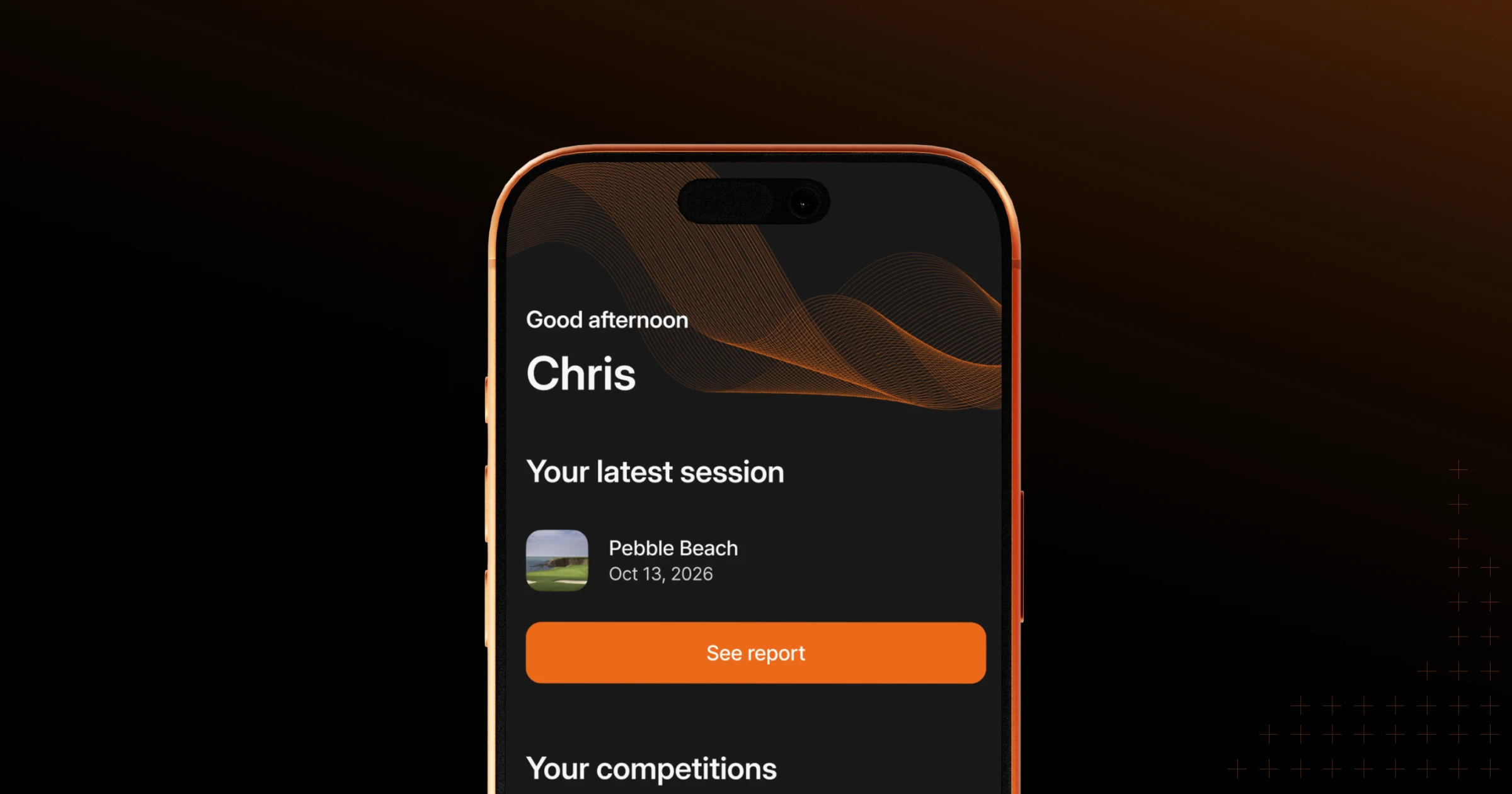
Your game in focus
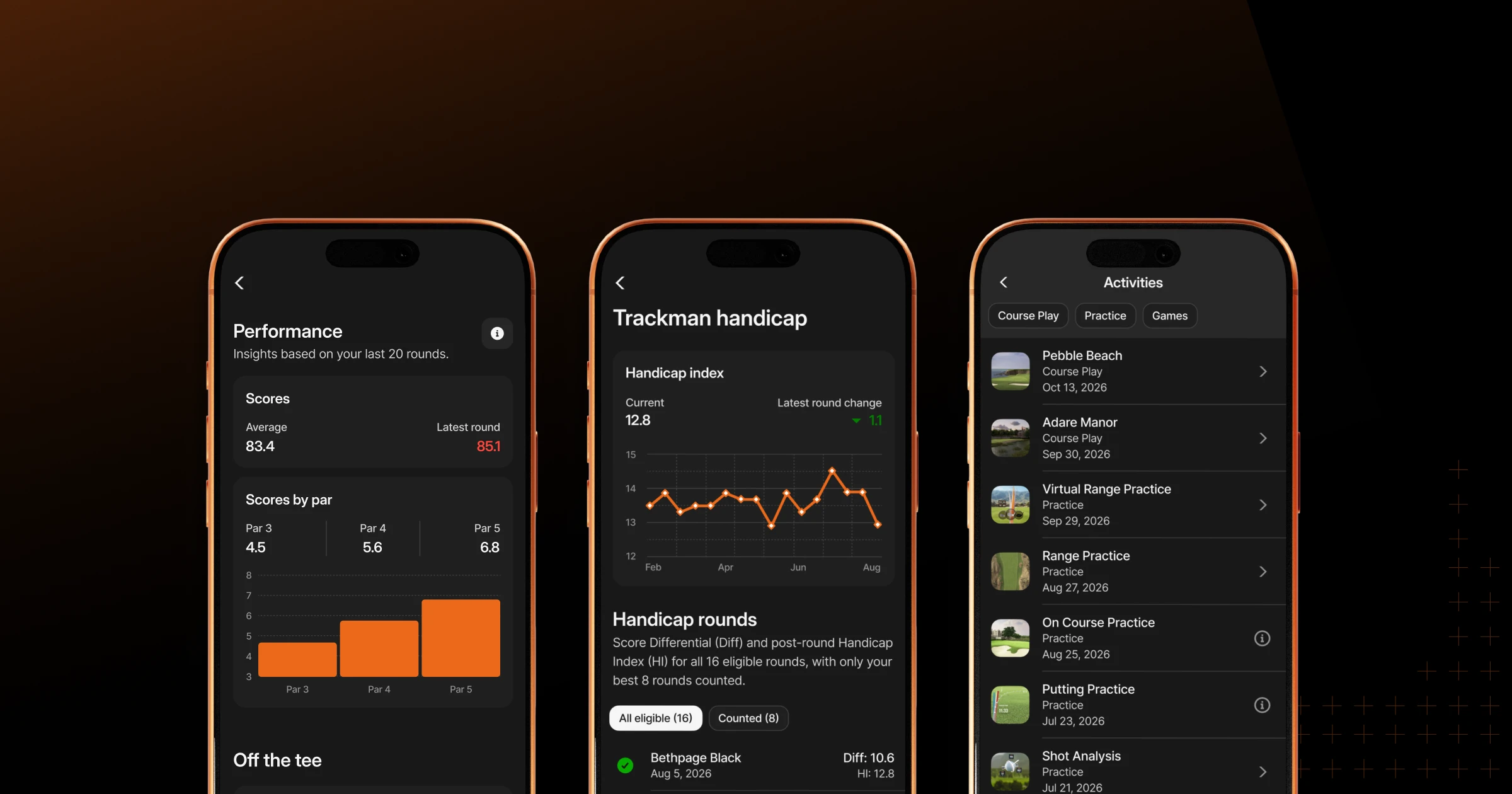
Your Profile page now provides a sharper view of how you practice, play, and perform with Trackman.
Key performance data is grouped into familiar areas of the game, while your Trackman handicap gives you a quick view of where you stand. Your Activity list brings all your Trackman sessions — including practice, course play, and games — together in one place.
That means fewer gaps in your history and a clearer record of the work you’ve put in, not to mention all the fun you’ve had.
Filters are now easier to find, too, helping you quickly locate a particular type of session without digging through menus.
Get more from every session
Trackman has always given golfers data they can trust. The new app makes that data easier to explore and understand.
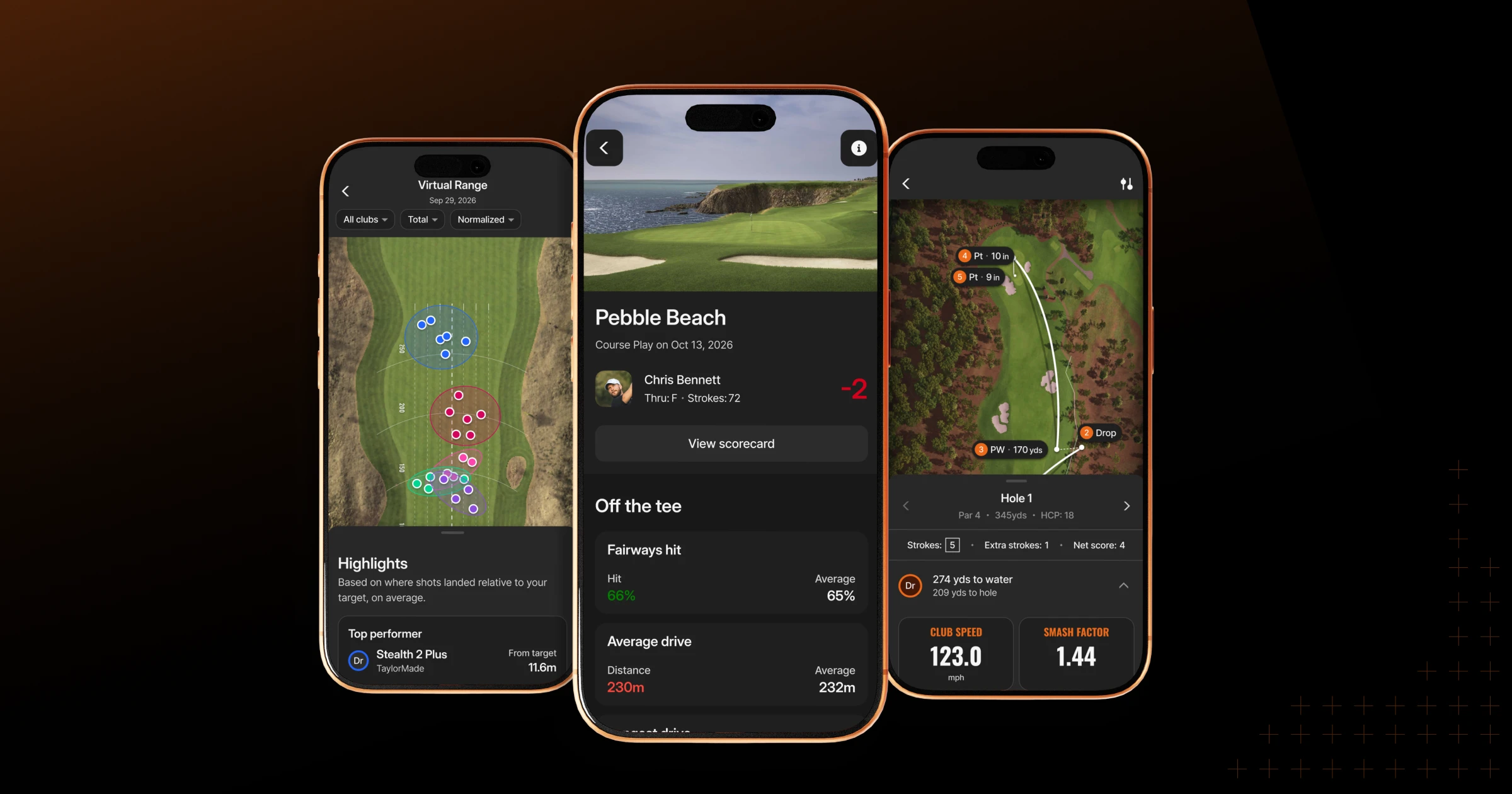
Practice reports for Trackman Range, indoor Range, and Shot Analysis now share one consistent structure. You’ll start with a visual overview of each session, then move from the main findings into club details and individual shots when you want to dig deeper.
The redesigned reports include:
Interactive map views for each major practice report
Clearer club and shot summaries
A standardized shot table that can be viewed in landscape
Club brand and model information from your personal bag
More intuitive ways to move from the big picture to the details
Virtual Golf reports also receive a cleaner presentation, with a stronger score summary, an expandable scorecard, and performance metrics grouped by area: Off the Tee, Approach, and Around the Green.
Shot-by-shot review is more interactive, too. You can select shots directly from the course map, follow each hole through animated tracers, and find explanations for key data points anytime.
Know (and see) your distances
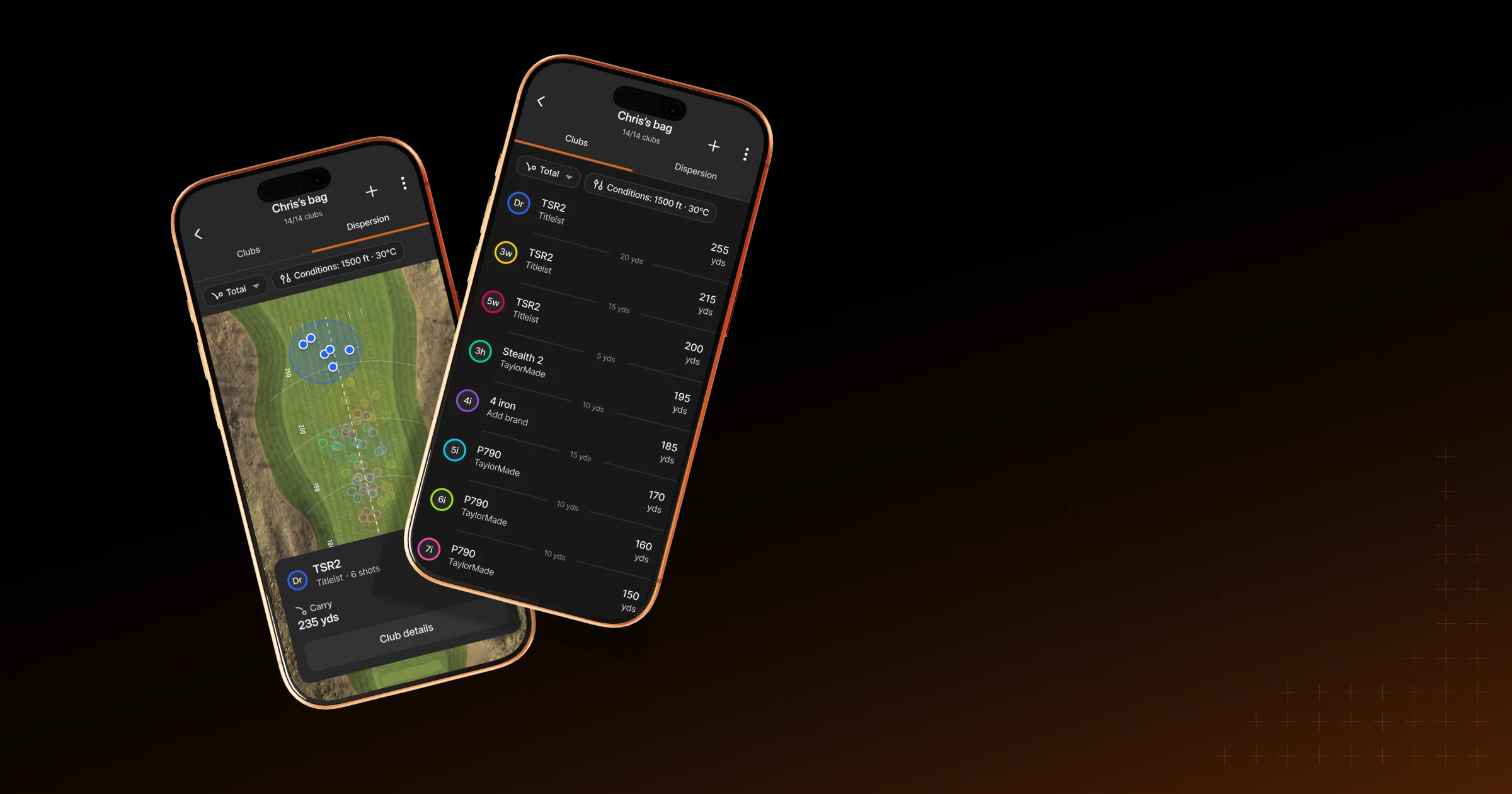
MyBag now gives you a visual overview of the distances and gaps throughout your set.
The full-bag dispersion view brings a familiar Trackman simulator tool into the app, helping you see how your clubs relate to one another. You can switch quickly between carry and total distance, and assign a brand and model to several clubs at once.
It’s a simpler way to keep your bag current and spot distance gaps that may need attention.
Keep up with the competition
The new Compete area helps you understand what’s happening now, what’s coming next, and where you stand.
Upcoming tournaments and league events are now front and center, while featured tournaments give you new opportunities to join. Invitations are collected in one place, so they’re easier to find and respond to.
League pages now highlight your next event or activity, along with your progress and current standings. Tournament information has also been reorganized to make formats, eligibility, rounds, deadlines, and entry requirements easier to understand before you play.
Once the action tees off, your position and the relevant leaderboards are easier to reach.

Find your next place to play
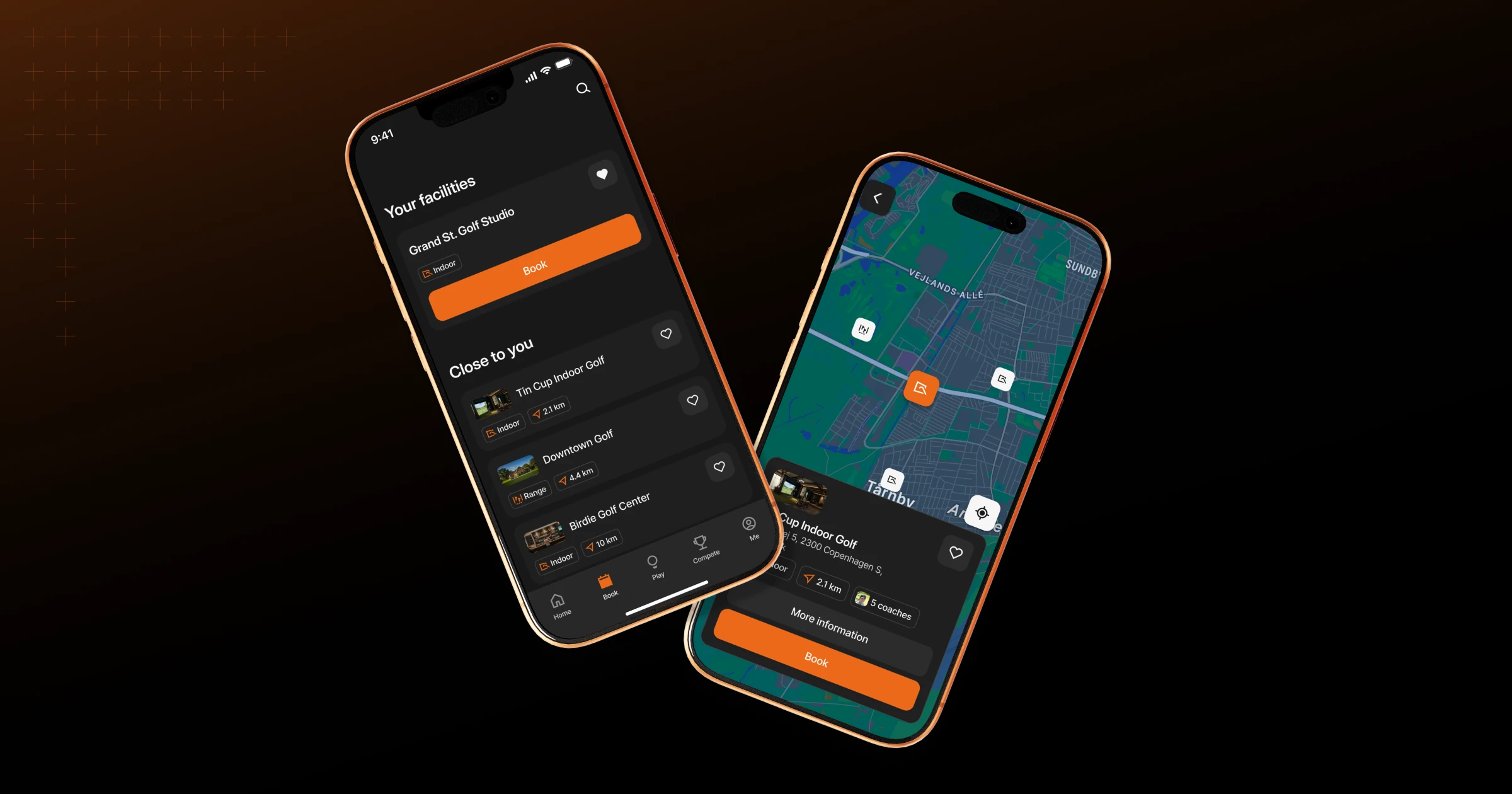
The new Book tab gives you a shorter path back to the Trackman-powered facilities you visit most.
Your favorite spots are listed first, followed by other options nearby. You can also search by facility or location, making it easier to find somewhere to play wherever you happen to be.
Each location page brings together the details you need before you visit, including coaches, available sessions, and booking information.
When you arrive, Quick Login lets you scan the on-screen QR code and start your session without having to type in your details again.
Setting the stage for what comes next
This launch is more than a visual update. It creates a stronger foundation for the Trackman Golf app to get even better.
In the future, you’ll see new ways to understand your game, find more opportunities to play, and connect with the wider Trackman community. The Home screen will play an important role in that journey, bringing together relevant activities and updates between sessions.
Our goal is simple: to make the app more useful every time you open it.
Help shape the app
The new Trackman Golf app has been built around the needs of golfers, and we want its next steps to be influenced by golfers, too.
Tell us what you like, what could be better, and what else you’d like the app to help you do. Share your feedback, suggestions, ideas, or feature requests using this contact form.
Download or update the Trackman Golf app below and take your Trackman game with you.